CLP One - Refreshed One App Experience
The CLP App offers you everything you need to manage your electricity account, shop for energy-saving products, and earn rewards, all in one place.
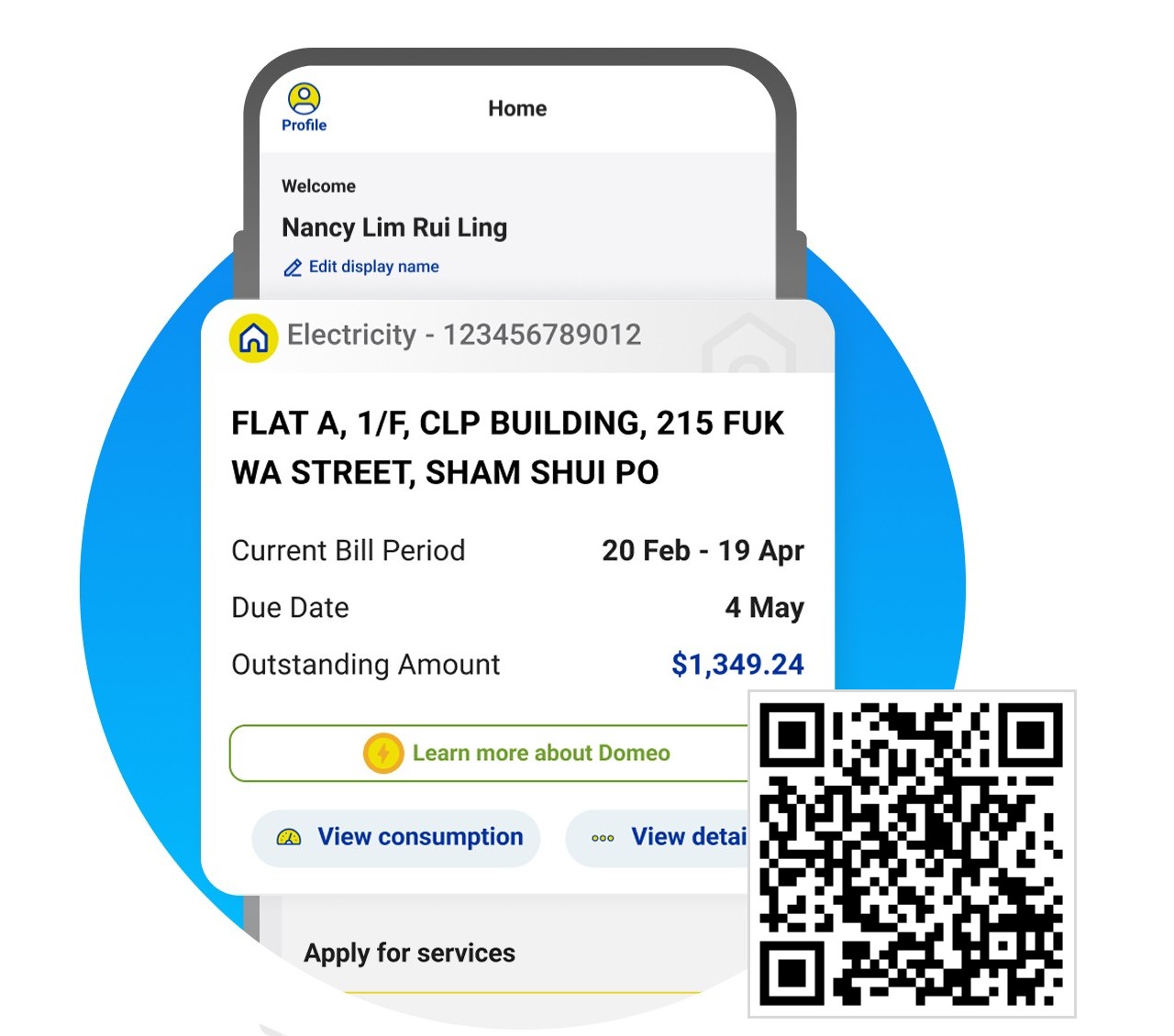
Download CLP Mobile App and Enjoy exclusive offers now:
🎁 Welcome Reward Apply anytime, anywhere to earn 500 Domeo Points
💰 Deposit Discount Enjoy 30% off your deposit with autopay setup
⚡ Pay Your Way Supports various payment methods for your convenience
📊 Usage Management View electricity usage and billing details at a glance


The CLP App lets you view and pay electricity bills, keep track of your usage and manage electricity services when moving home. You can also set up available bill and usage alerts to suit your needs.
Use the CLP App to view your digital bill and pay your electricity charges anytime, making it easy to manage your bills. Once you sign up for eBill, you can receive a notification when a new bill is issued, without waiting for it to arrive by post.
If you have a smart meter, you can use the CLP App to view your daily and hourly electricity consumption and understand your usage on different days and at different times.
If your latest bill is higher than expected, review your consumption during the billing period to identify days with higher usage, and consider any changes in the weather or how you use your appliances.
You can use the CLP App to set up bill and payment alerts and choose from available channels, including email, SMS and app push notifications. App push notification settings can only be changed in the app.
Eligible customers can turn on a payment alert for a reminder before the payment due date. Smart meter customers can also activate an unusual consumption alert to receive a notification when their usage rises above the specified level.
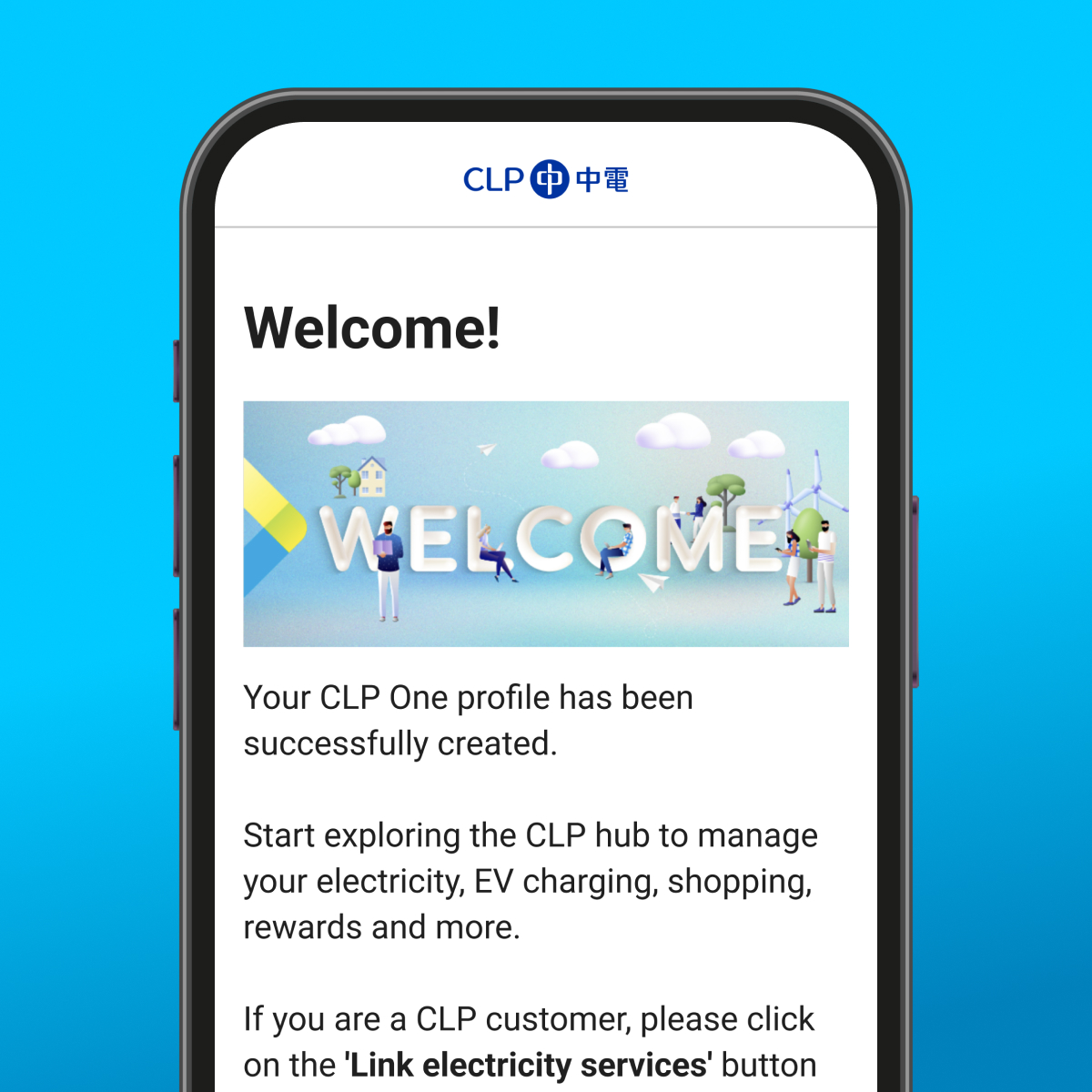
Personalised Integrated Account
Manage all your CLP services efficiently with a single profile tailored to your needs.
- Create CLP One Profile using your email or mobile number in a few steps
- Seamlessly manage your residential and eMobility electricity accounts with one login
- No more tracking multiple account numbers – everything is connected under a CLP One Profile
- Use the same login to shop for energy-saving products
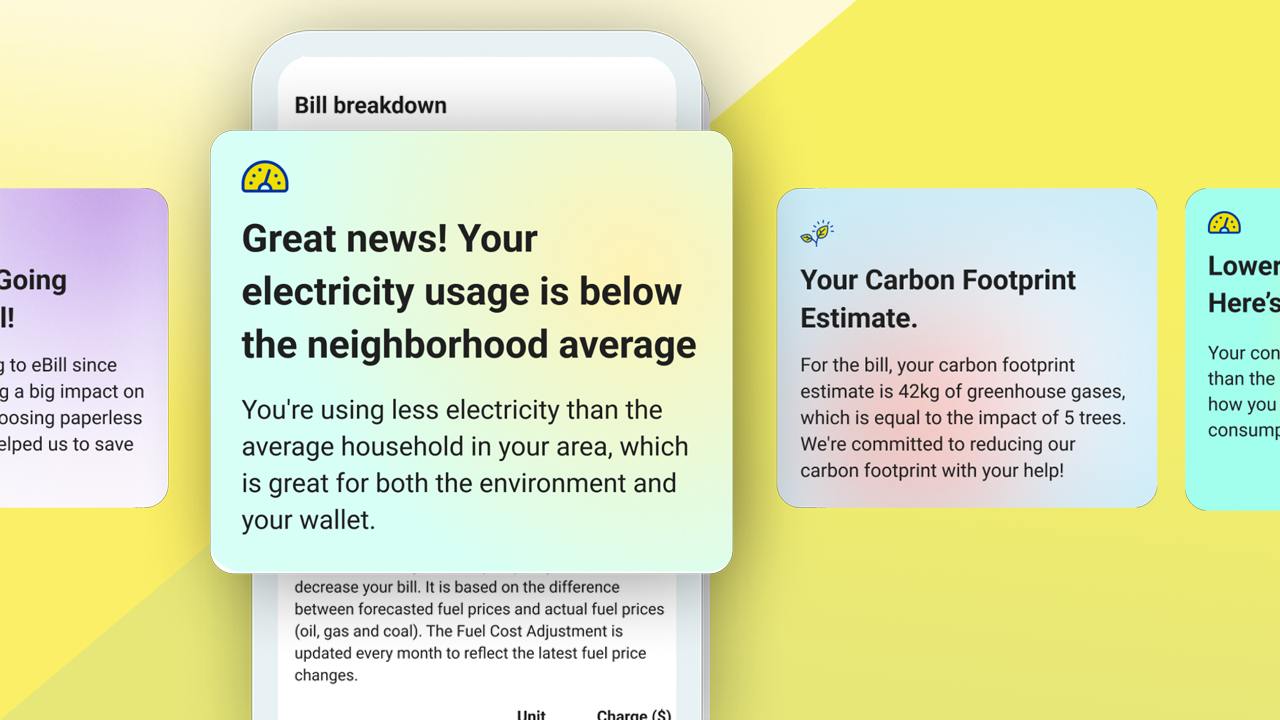
Billing Insights
Personalised Energy-Saving Tips
Stay informed and save money with Billing Insights, which offers personalised recommendations based on your energy usage.
Learn actionable tips to manage your energy usage, reduce costs, and lower your carbon footprint.
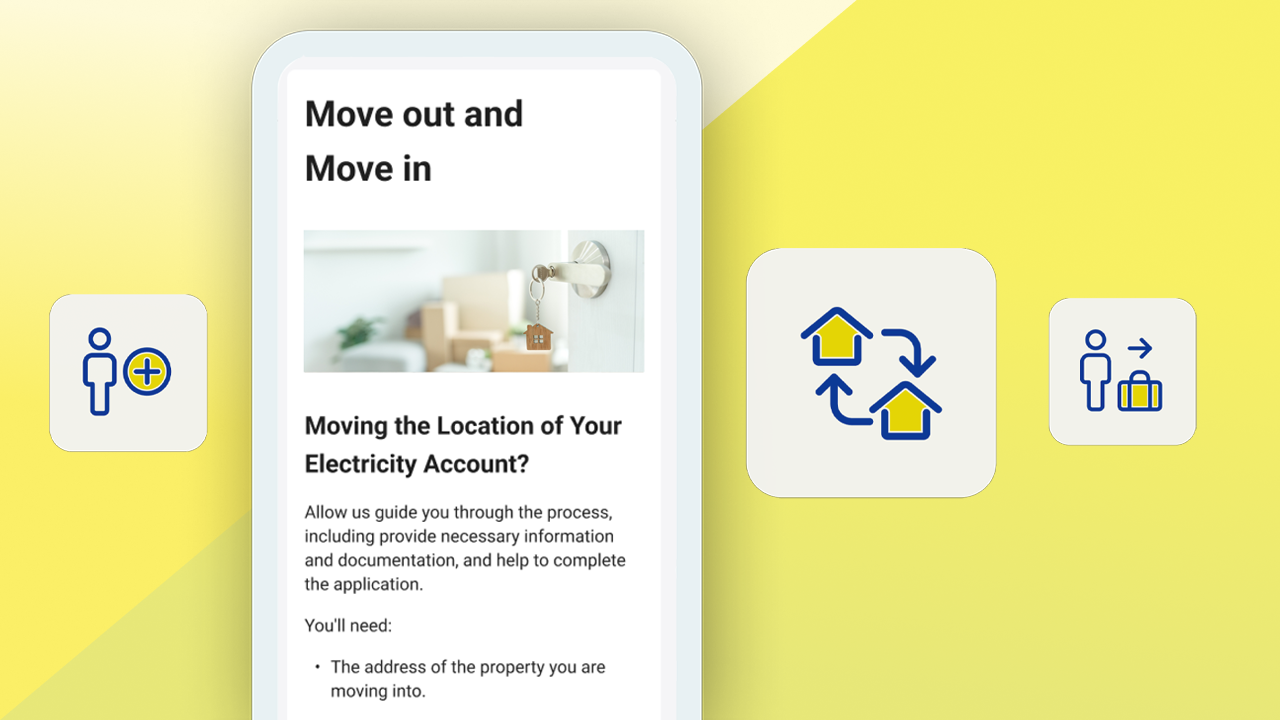
Activating electricity service for your new home is now easier than ever, the CLP One App streamlines the process for electricity service relocation in a single application.
Enhanced address search helps you quickly find your new location.
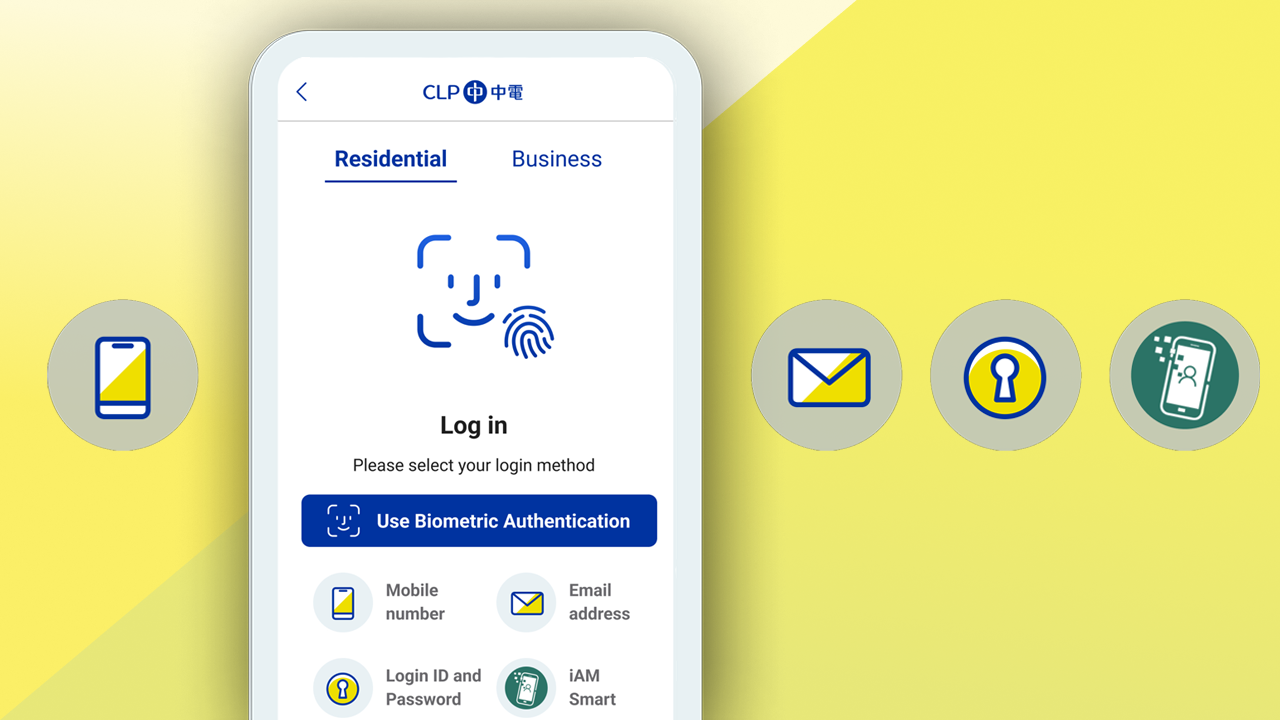
Passwordless Authentication
Safer and Faster Login
Login to your CLP One Profile using your verified Mobile Phone or Email Address to have the peace of mind of a safe and faster login.
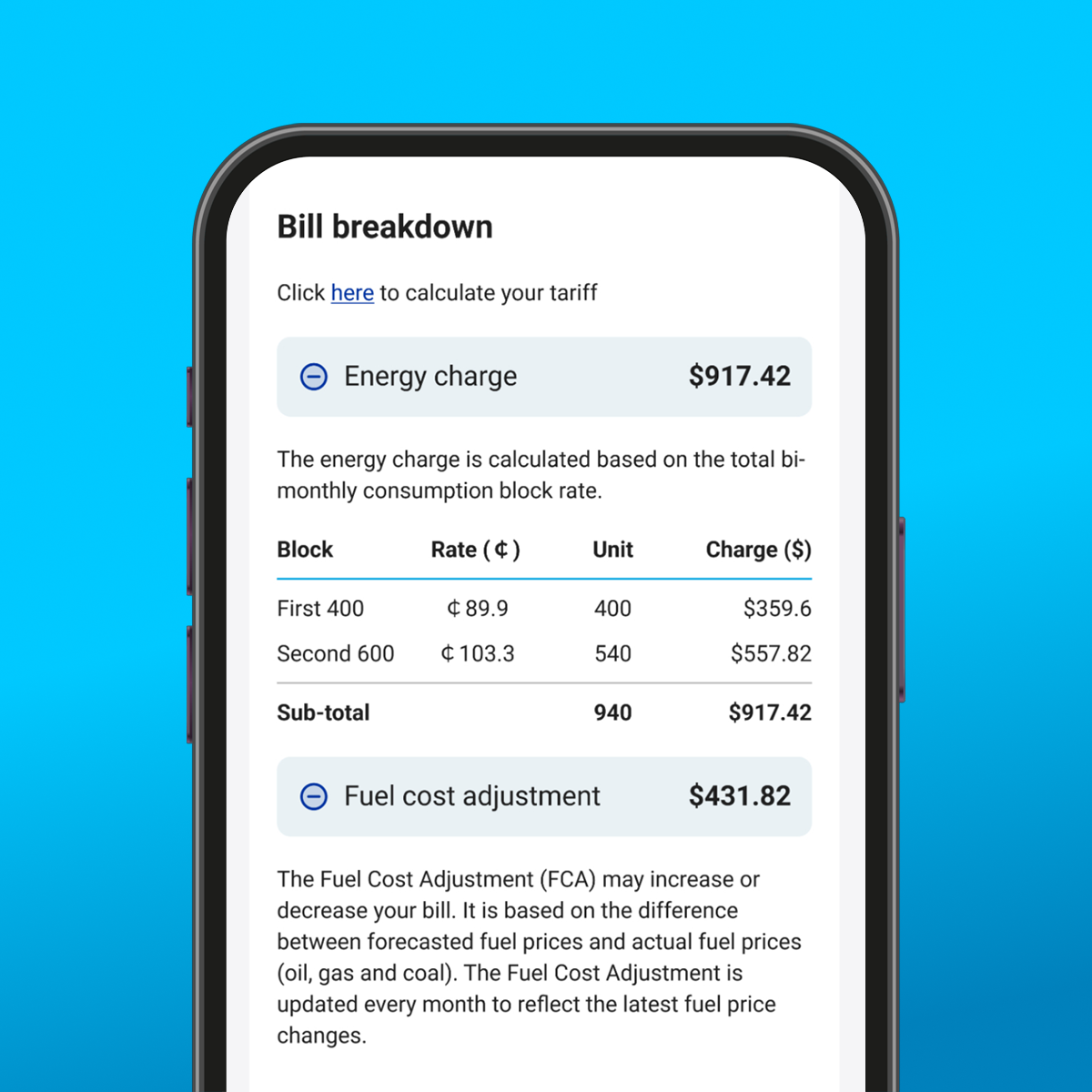
Digital Bill - Your Bill, Your Way
Our new Digital Bill offers a flexible way to review and manage your electricity charges – whether you prefer a detailed breakdown or a quick summary.
- View a full transaction history for a detailed breakdown of charges
- Get essential information like the total due and payment date in a quick summary
- Benefit from additional details, such as the remaining Government Subsidy balance, exclusive to the digital bill
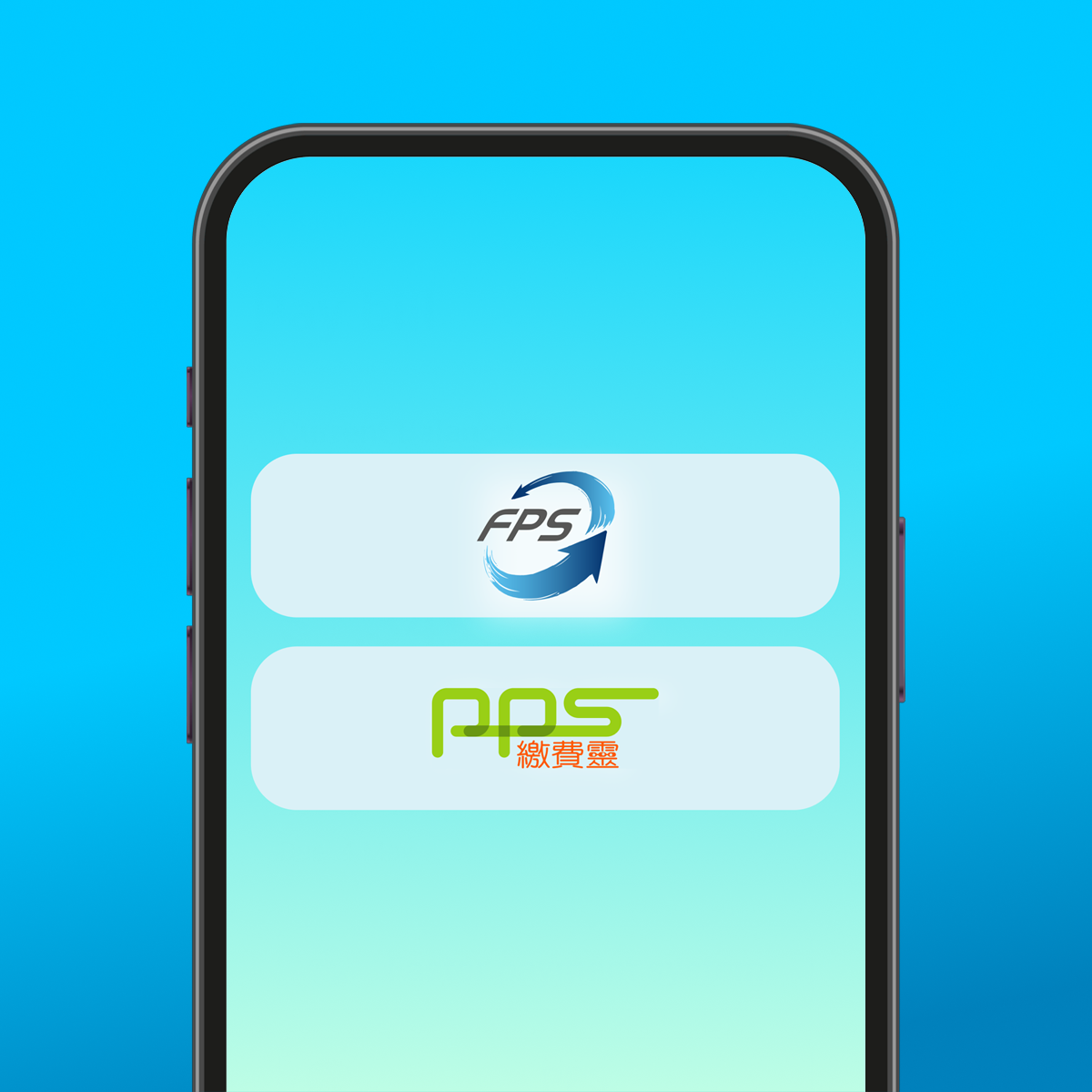
App-to-App Payment – Pay Faster, Pay Smarter
Pay your electricity bills with ease using our new App-to-App Payment via FPS and PPS.
- Make payments directly through FPS with just a few taps – no more QR codes needed
- Choose your preferred bank for each transaction, adding flexibility
- Enjoy the convenience of making PPS payments directly in the app
Download CLP App Today!
Experience the CLP App today and simplify the way you manage your electricity account, shop, and earn rewards – all in one place.
Terms of use of CLP App
Apple and the Apple logo are trademarks of Apple Inc., registered in the U.S. and other countries. App Store is a service maark of Apple Inc.
Google PlayTM and Google Play logo are trademarks of Google LLC.
CLP Power - eService Promotion
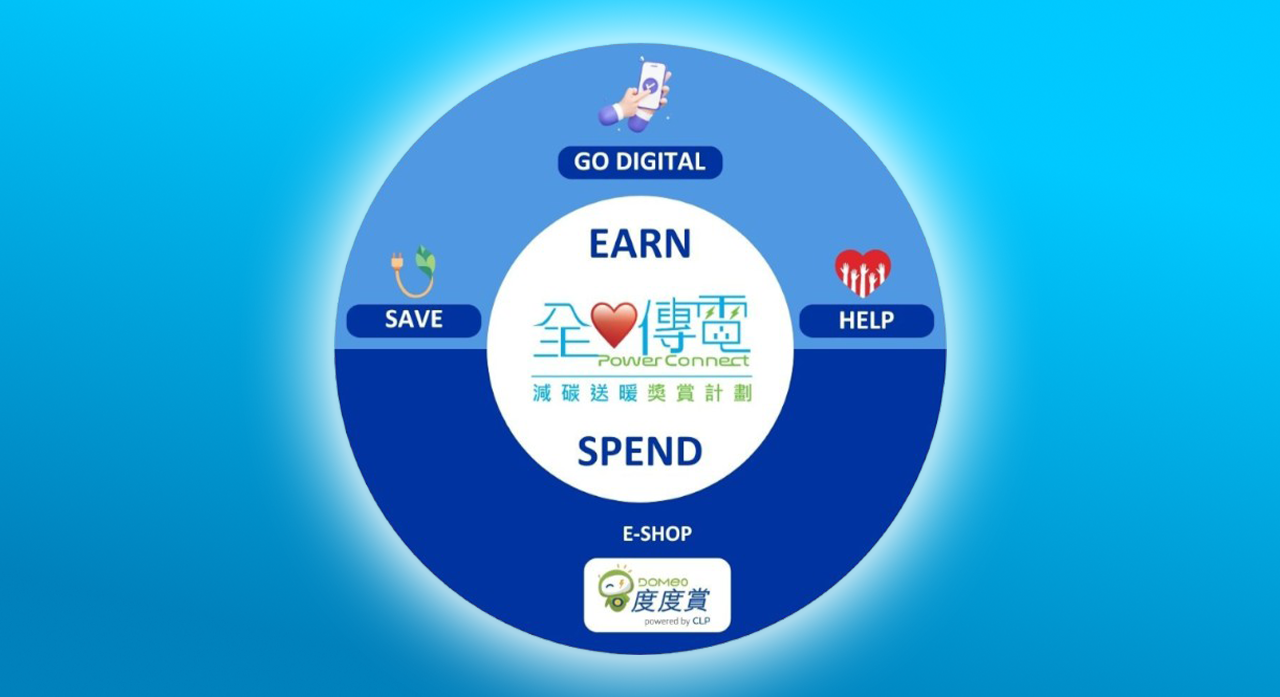
Collect 500 Domeo Points* when you complete either one of the following tasks on the CLP App or Website:
- Successfully activate your CLP One account (including creating a CLP ONE Profile, link ing electricity services and completing identity verification), and log in for the first time
- Apply for eBill
- Apply for online move-in
Find out more offers using ePayment on CLP App.
*Terms and conditions of CLP App and Domeo Rewards apply.
Seamlessly Move Your Electricity Service
Easily manage your electricity service when relocating to a new home with one simple application.
Have Your Electricity Up and Running
Easily power up your new home with a simple, hassle-free process.
Go Green with eBill
Reduce paper waste and make a positive impact by switching to eBill in a few steps.
Successfully activate your CLP One Account for 500 Domeo points rewards
Please be patient for 5 business days for processing, we will automatically link your CLP ONE Account and the Domeo account. For details: you may browse Activate Domeo account
Log in your CLP One account to view your Domeo points, activate Domeo account (Learn More) and starts your journey of rewards redemption in Domeo
Yes. Once smart meter customers activate the unusual consumption alert, they will receive a notification when their usage is more than 30% above the average of the previous 10 days, prompting them to check the reason for the increase.
Yes. Smart meter customers can use the CLP App to view daily and hourly electricity consumption. Hourly records cover the past 90 days up to three hours before viewing, making it easier to compare usage across different periods. Data availability is subject to meter and service arrangements.
Log in to your CLP One account in the CLP App, tap “Profile” and select “Subscribe / edit eBill notification”. Follow the instructions to confirm your address and email and submit your details. Once you have successfully signed up, you will receive an eBill notification whenever a new bill is issued.
After logging in to the CLP App, tap “Profile” and “Notification Settings”. Turn on the alerts you need and choose an available notification channel. CLP App push notification settings can only be changed in the app.
Yes. The CLP App lets you manage multiple linked electricity accounts through your CLP One Profile. Follow the instructions to link your electricity services, and check that you have selected the correct account before making a transaction or payment.


